A free website for your celebration
Your schedule, photos, story, FAQ and RSVP on one beautiful page at celebrate.am/w/your-name — in Armenian, English and Russian. Guests reply online and land straight in your My Events guest list.
Pick a look
Three different page designs, each in four ready-made color and font combinations. Every one opens the live demo — and you can switch the design, colors and fonts any time in the editor.
Photo
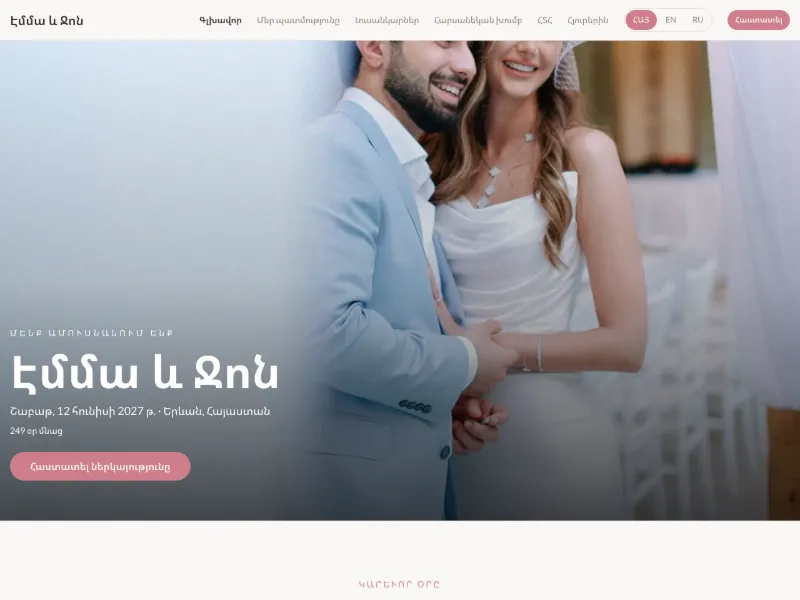
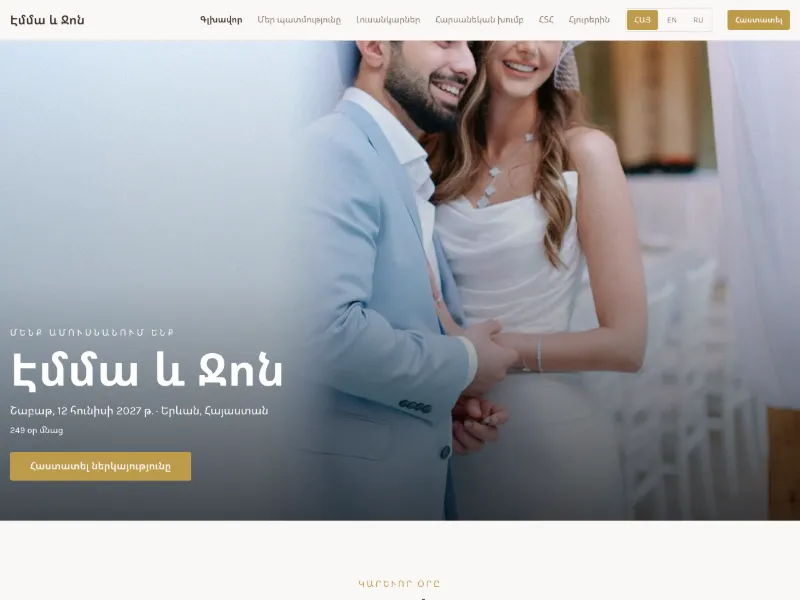
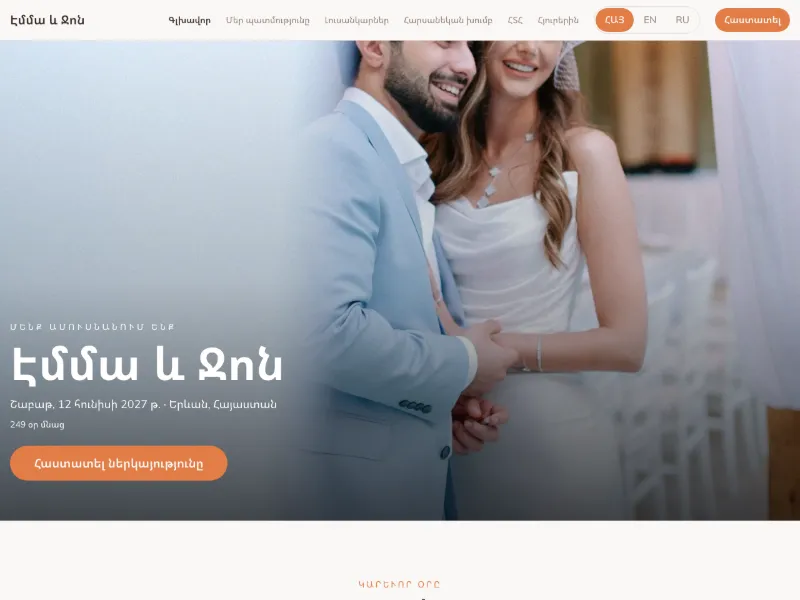
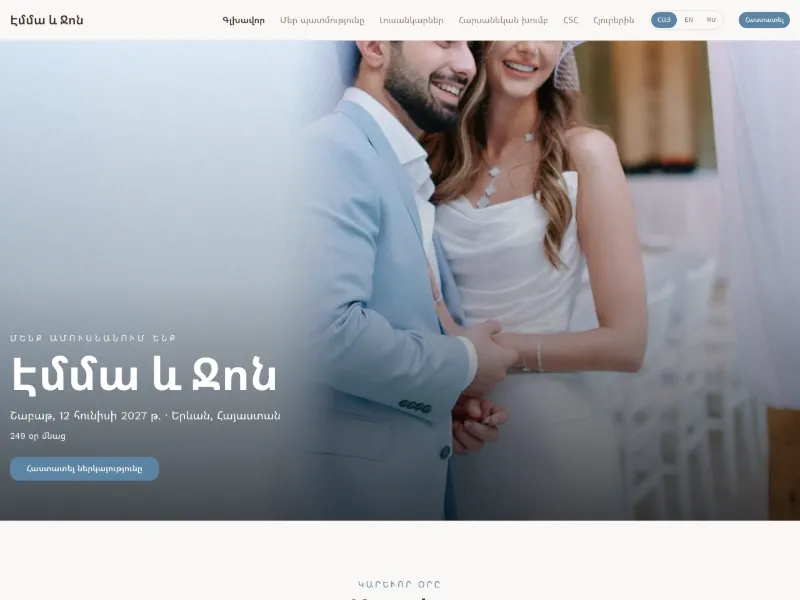
Your cover photo fills the first screen — bold and modern.
Monogram
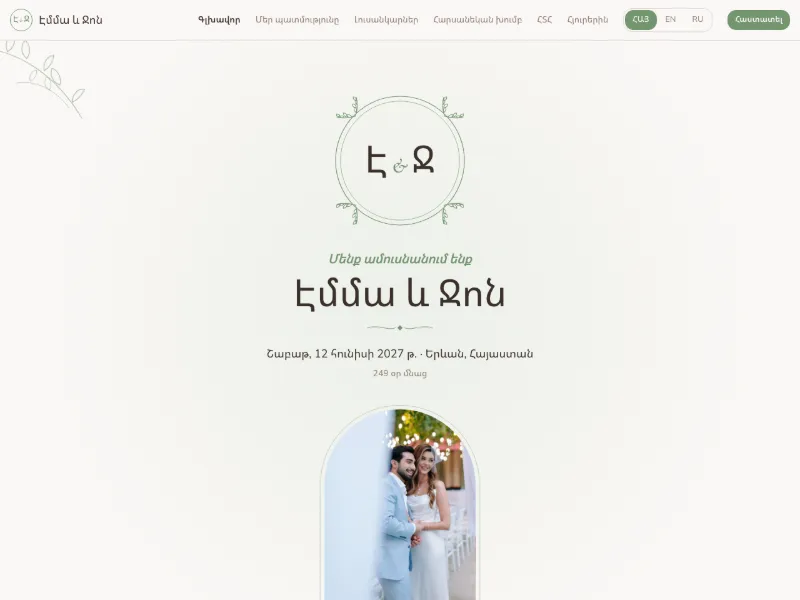
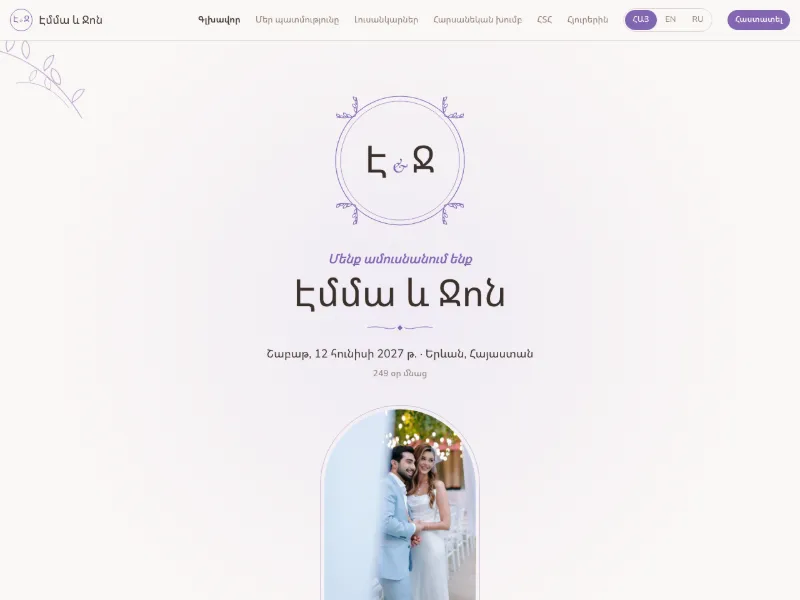
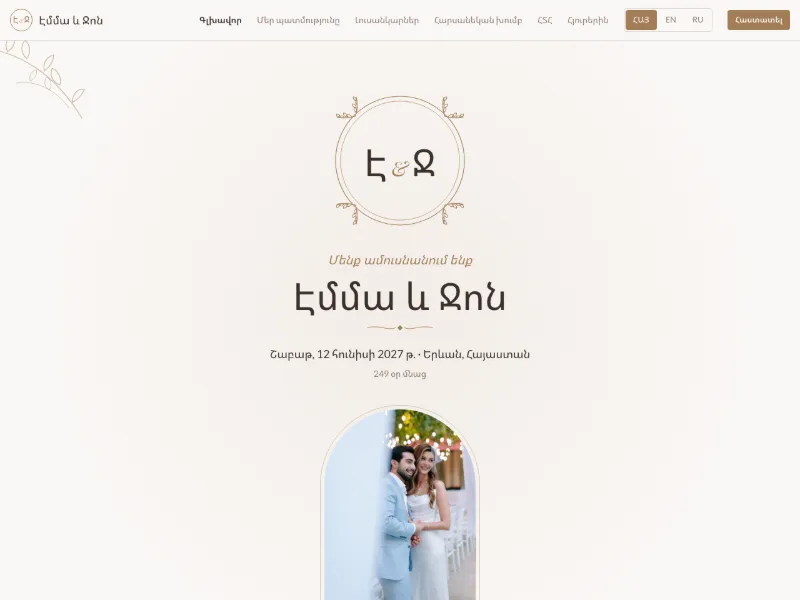
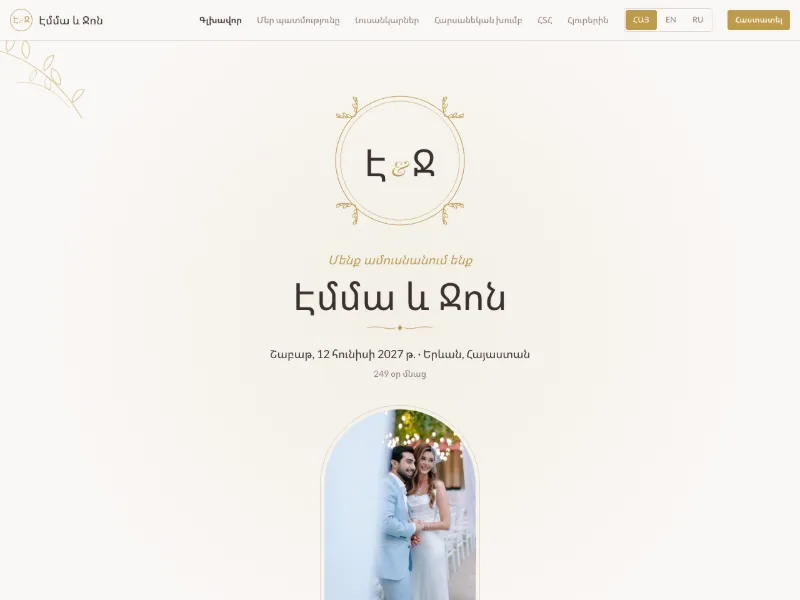
Your initials in an ornamental frame, botanical dividers — classic, works even before you upload photos.
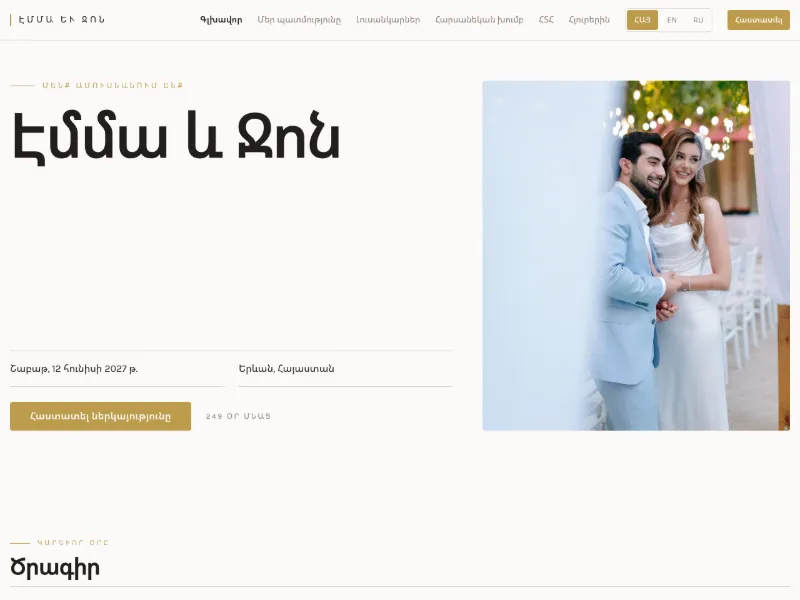
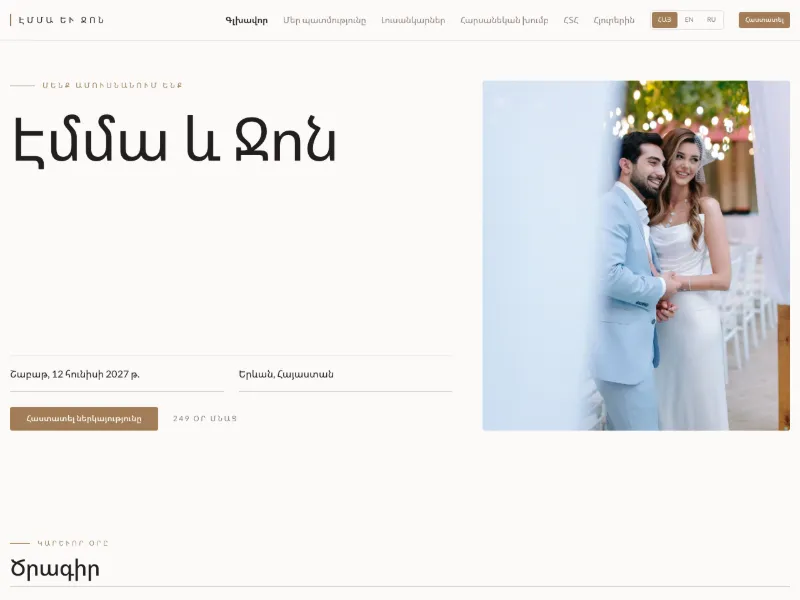
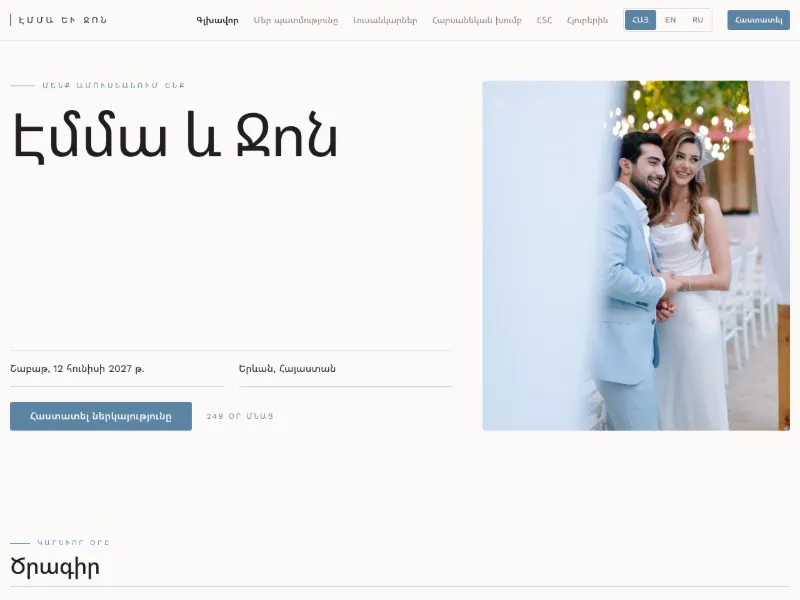
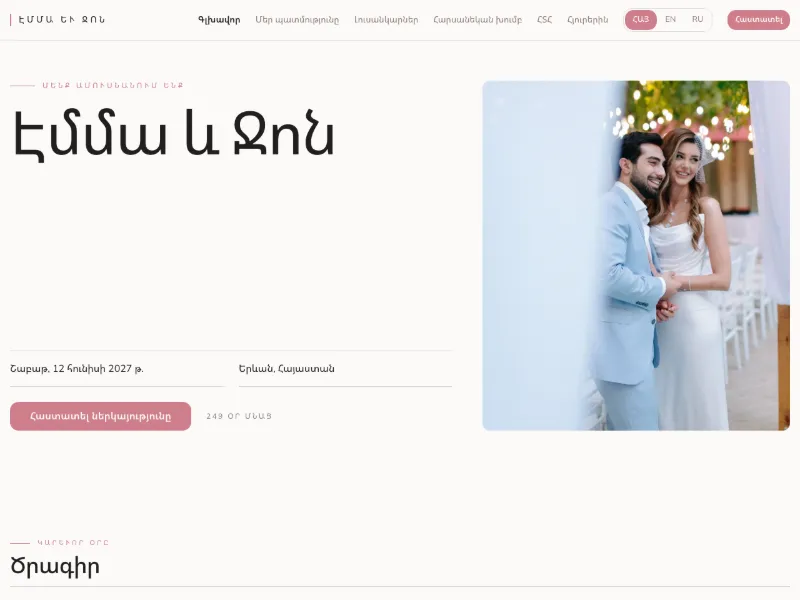
Editorial
A magazine spread: big headline beside a tall photo, numbered sections, hairline rules.
For every celebration
The page adapts to the occasion — sections, labels and example text change with it.
Birthday
Party time and place, a few words about the birthday star, photos and wishes.
Christening
The church and the party, godparents, a photo gallery and directions for family.
Gender Reveal
The big moment, where and when, and an RSVP so you know who's coming.
Family Gathering
A schedule for the day, who's hosting, how to get there and where to stay.
Wedding
Ceremony and reception, your story, the wedding party, travel tips for out-of-town guests.
Celebration
Everything above — you choose which sections to fill in.
What's included
Schedule & venues
Times, places and addresses with map links.
Photo gallery
Your own photos, laid out beautifully.
Your story
How it all began, in your own words.
FAQ
Dress code, parking, kids — answer once, not fifty times.
Travel & things to do
Tips for guests coming from afar.
RSVP into your guest list
Replies appear in My Events; add them to the guest list with one tap.
Three languages
Guests switch between Armenian, English and Russian.
Your own address
celebrate.am/w/your-name — free, no ads.
How it works
- 1
Create it from your event
Sign in, pick the occasion and a look. Date, city and venue can be copied from your My Events plan.
- 2
Fill it in
Add your story, photos, schedule and FAQ in the editor. Change the look any time — the preview updates live.
- 3
Share the link
Send celebrate.am/w/your-name with your invitations. RSVPs land in your guest list.
Questions
Is it really free?
Yes. Creating and publishing your event website on celebrate.am is free, with no ads on the page.
What will the address be?
celebrate.am/w/ followed by a name you choose, for example celebrate.am/w/anna-and-tigran. You pick it when you create the site and can change it later if the new one is free.
Can my partner or family edit it too?
Yes. Anyone you've invited into the linked My Events plan can open and edit the website as well.
Where do the RSVPs go?
Into the Guests tab of your event in My Events, and into the site's editor. From there you add each reply to your guest list with one tap.
Can I use my own domain?
Yes — we can place a self-contained copy of your finished site on a domain you own. Contact us and we'll set it up with you.
Ready to share your celebration?
It takes a few minutes to create, and you can keep editing right up to the day.
Create your website